Statically Recompiling a 2013 Phone Game Into a Native Windows Game
Around 2013, Gangstar Vegas on my iPad became my weekend game. I'd cruise its city in my favourite car with Kavinsky's Nightcall on the radio, and after every session I'd search the same thing: how do I play this on my PC? This weekend, that search finally ended with the game running as a real Windows program.
Static recompilation, in plain words
An emulator runs a whole phone inside a window, with touch buttons painted over the screen and the game's own 30 fps cap. I wanted the game itself.
Phones run ARM code and PCs run x86, so the plan was static recompilation: translate every function in the game into C once, ahead of time, then compile it like any other program. The N64Recomp project used this approach to bring Zelda: Majora's Mask to PC in 2024, and I wanted to find out whether it works on a phone game too.
I built it with Claude Code doing most of the coding, while I picked the games, played every build and decided what felt right. The game's main library became 56,632 C functions. The game still expects a phone around it, so we also wrote a stand-in for one on top of a library called SDL3. Its graphics calls go straight to my graphics card, its sound goes to a replacement for Android's audio player, and its touch input comes from my keyboard and controller.
Getting it to boot
I tested the approach on Gangstar: Miami Vindication first, because it's older and smaller. When its content disclaimer, the screen the game shows at every launch, came up on my PC, I got goosebumps.
Vegas took more work. The first build died during startup. One wrong bit in the translator broke the instruction that hands a float comparison's result to the CPU, so 17,475 comparisons across the game read stale results.
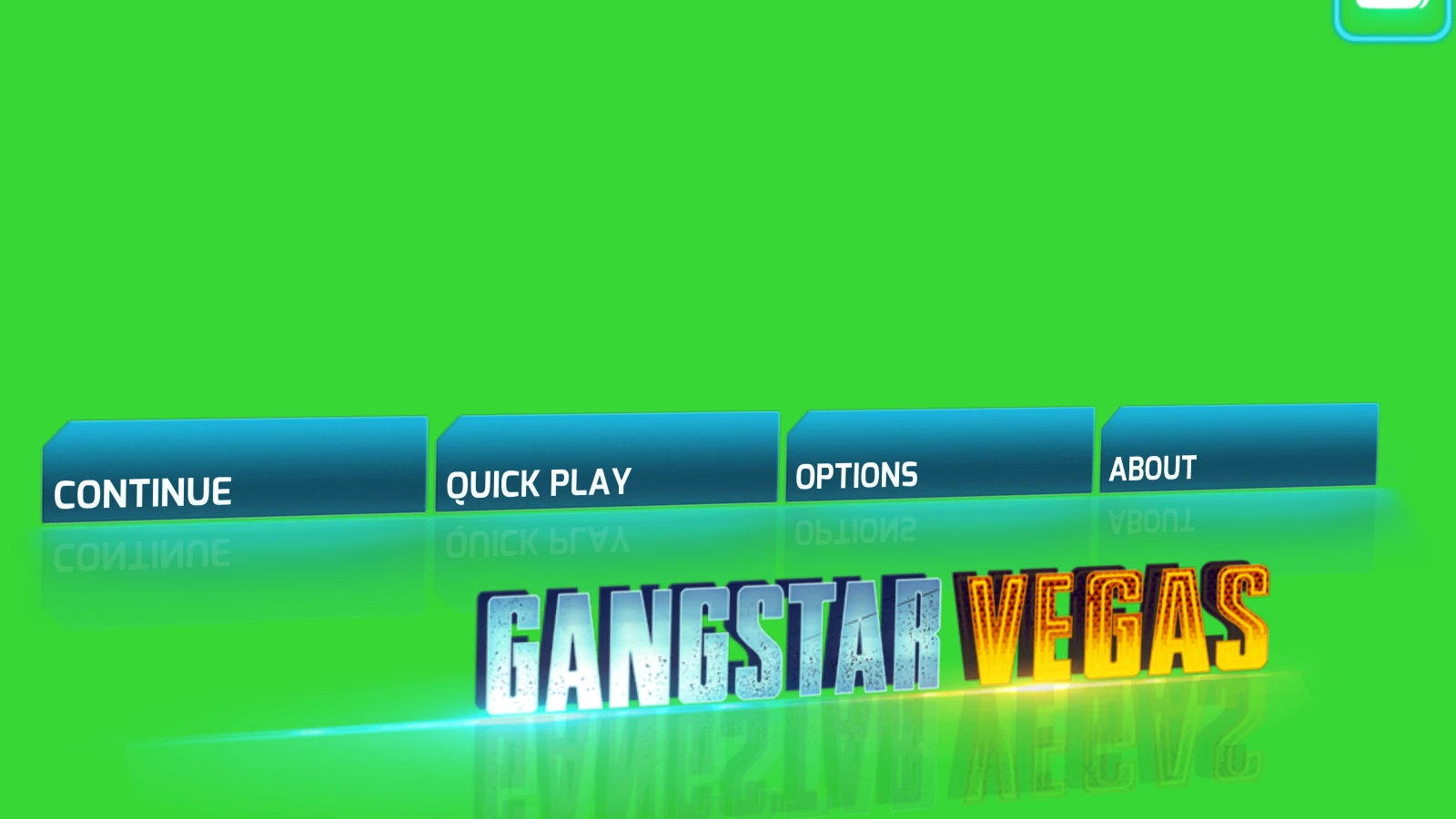
With that fixed, the menu came up completely green. Vegas loads its textures on a second thread that needs its own graphics context, and our stand-in only pretended to create one, so every texture fell back to the engine's 1x1 green placeholder.
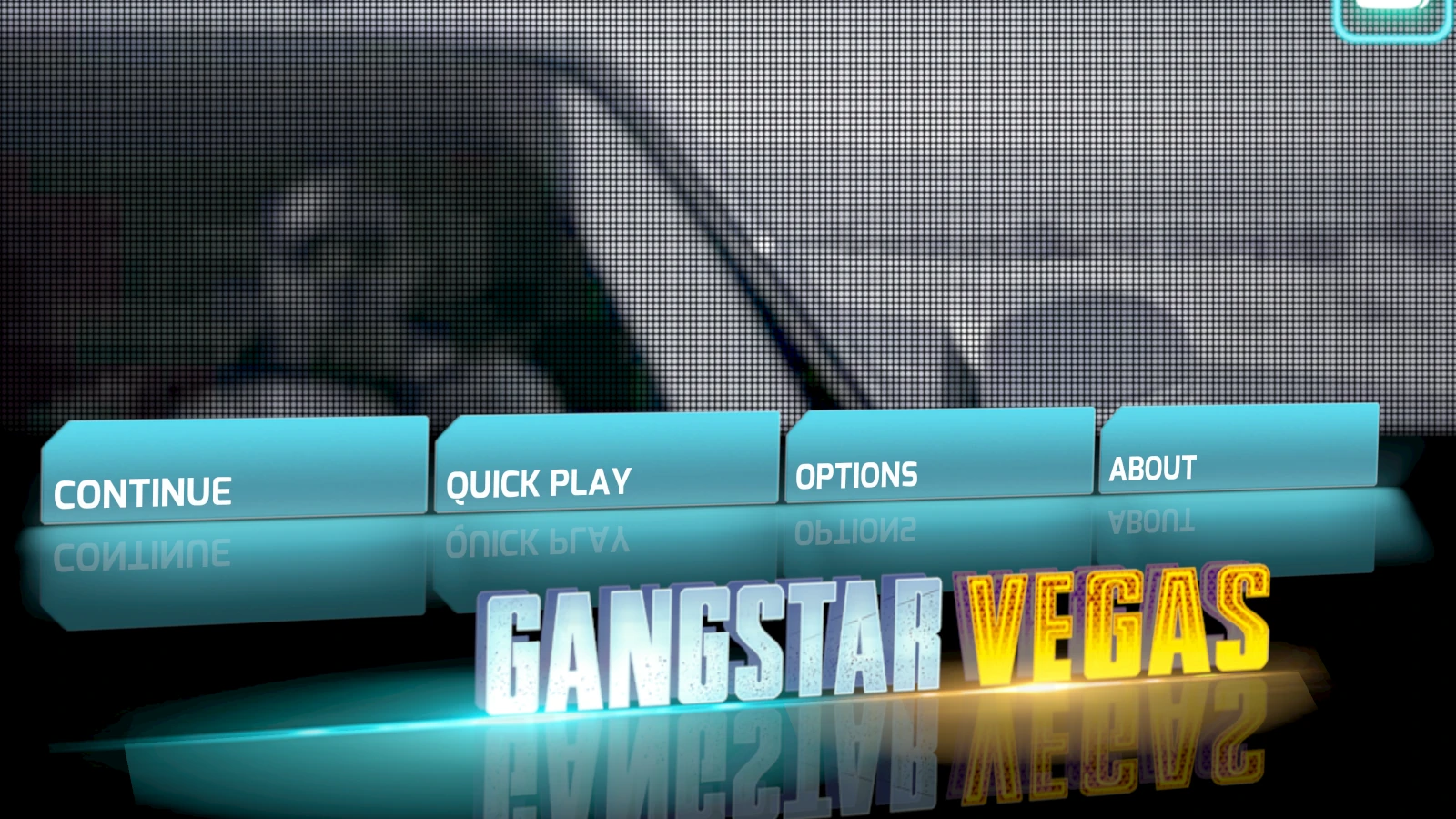
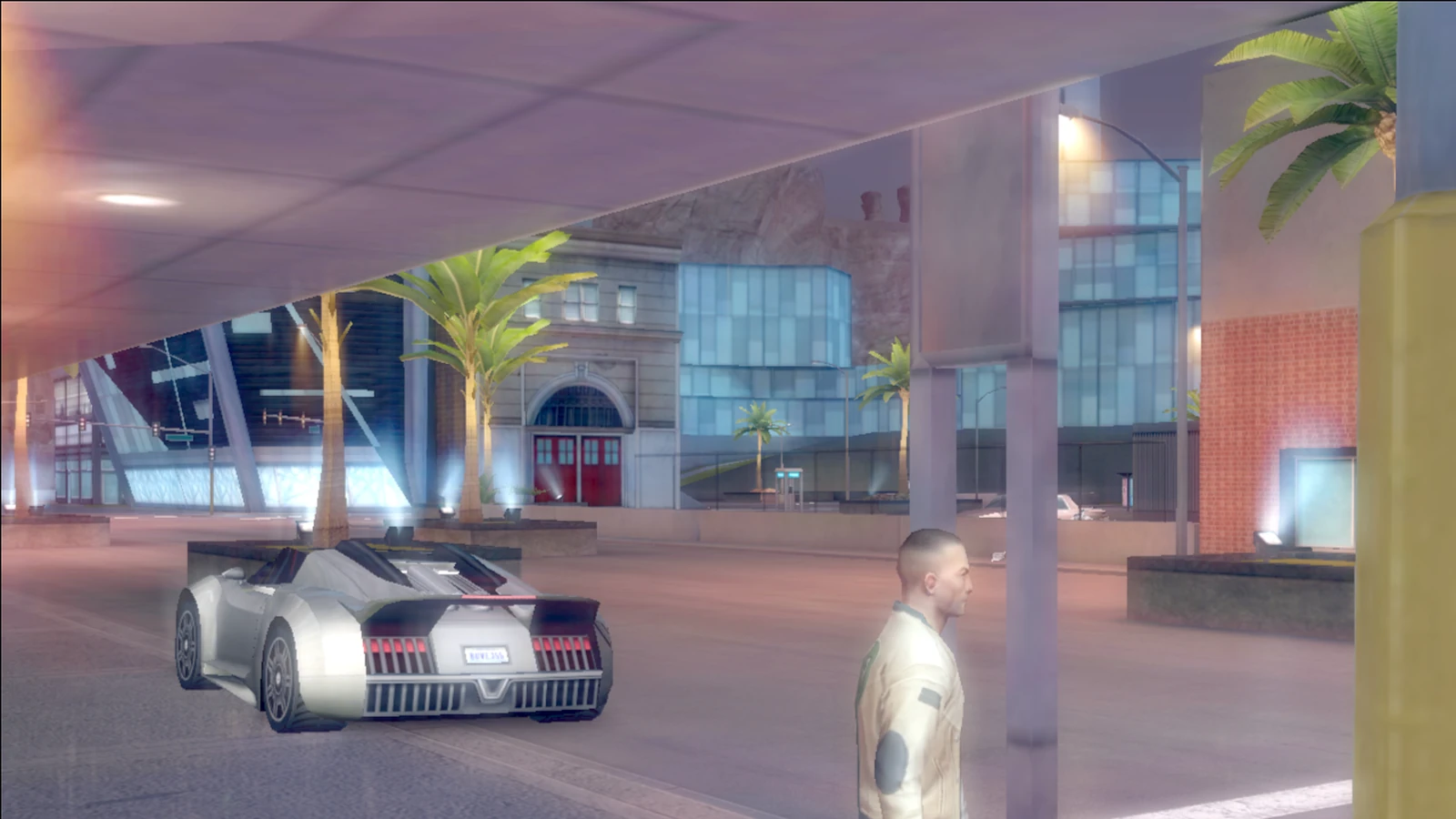
Even once textures loaded, every colour looked washed out. My graphics card was converting the game's colours to the sRGB format a second time, on top of the conversion the game had already done, and one setting at startup fixed it.
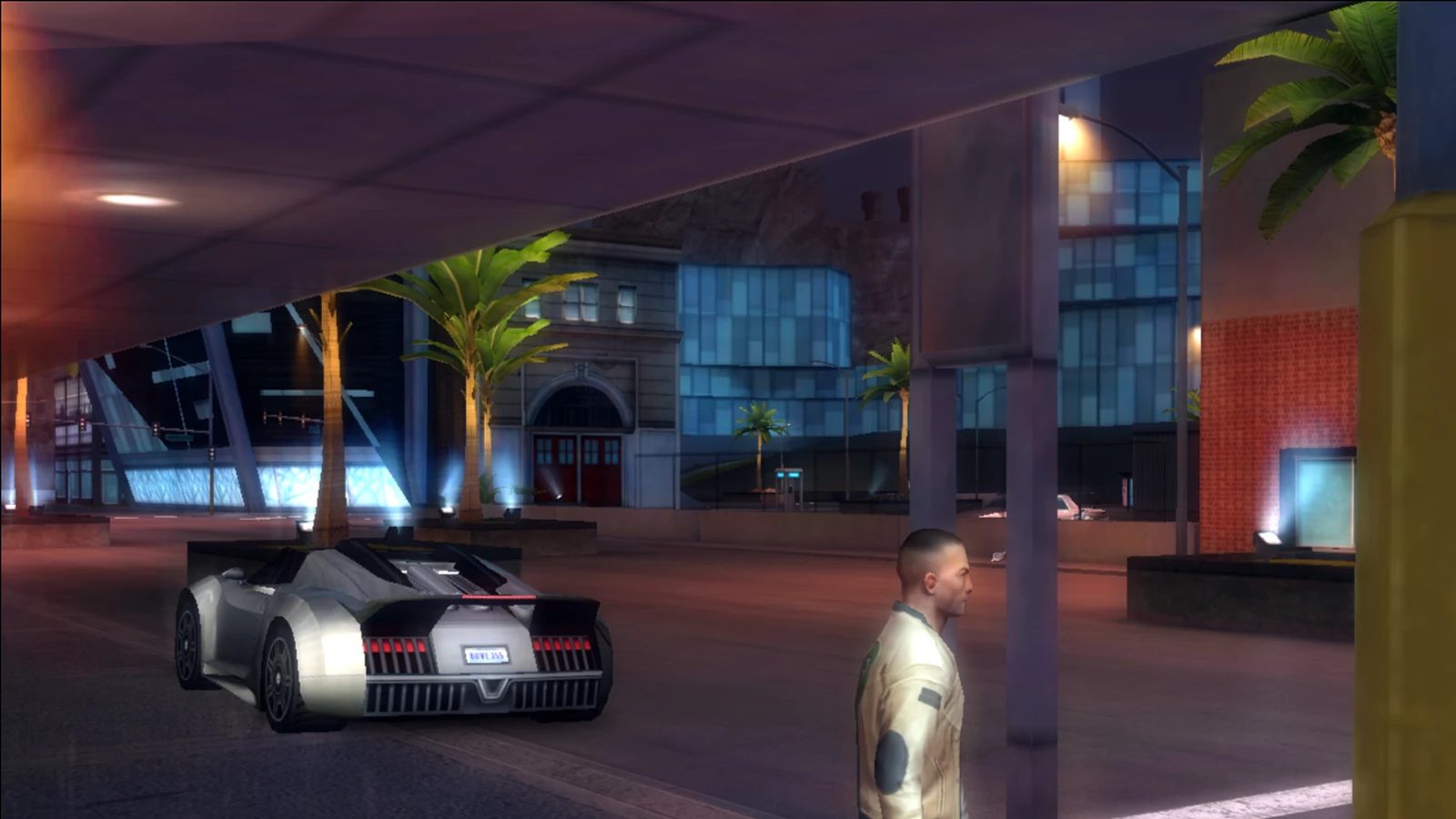
Then it crashed after about four minutes of play, every single time. Our stand-in gave the game a fixed number of slots for a C feature called setjmp and kept every used one, so around frame 13,000 they ran out. Once that was fixed, my message was "works. thank you so much."
The hidden PC Ultra preset
Seeing Vegas on my 27-inch, 144 Hz monitor, at 144 fps instead of the phone's 30, left me speechless. Then I found a quality preset in the game's data called PC Ultra, sitting right next to the phone presets.
Switching to it made the distant skyline vanish from the city flyover. We compared its 460-byte record with the phone's Ultra preset field by field, and the culprit turned out to be a single detail-distance value. PC Ultra sets it to 960,000, which leaves the distant city empty, while the phone's 16,000 makes buildings pop in as you drive. We tested values in between and settled on 120,000, the highest one that keeps the whole skyline.


Making it play like a PC game
Once it ran, I wanted to know how I'd control my character, since as a kid I did everything on a touch screen.
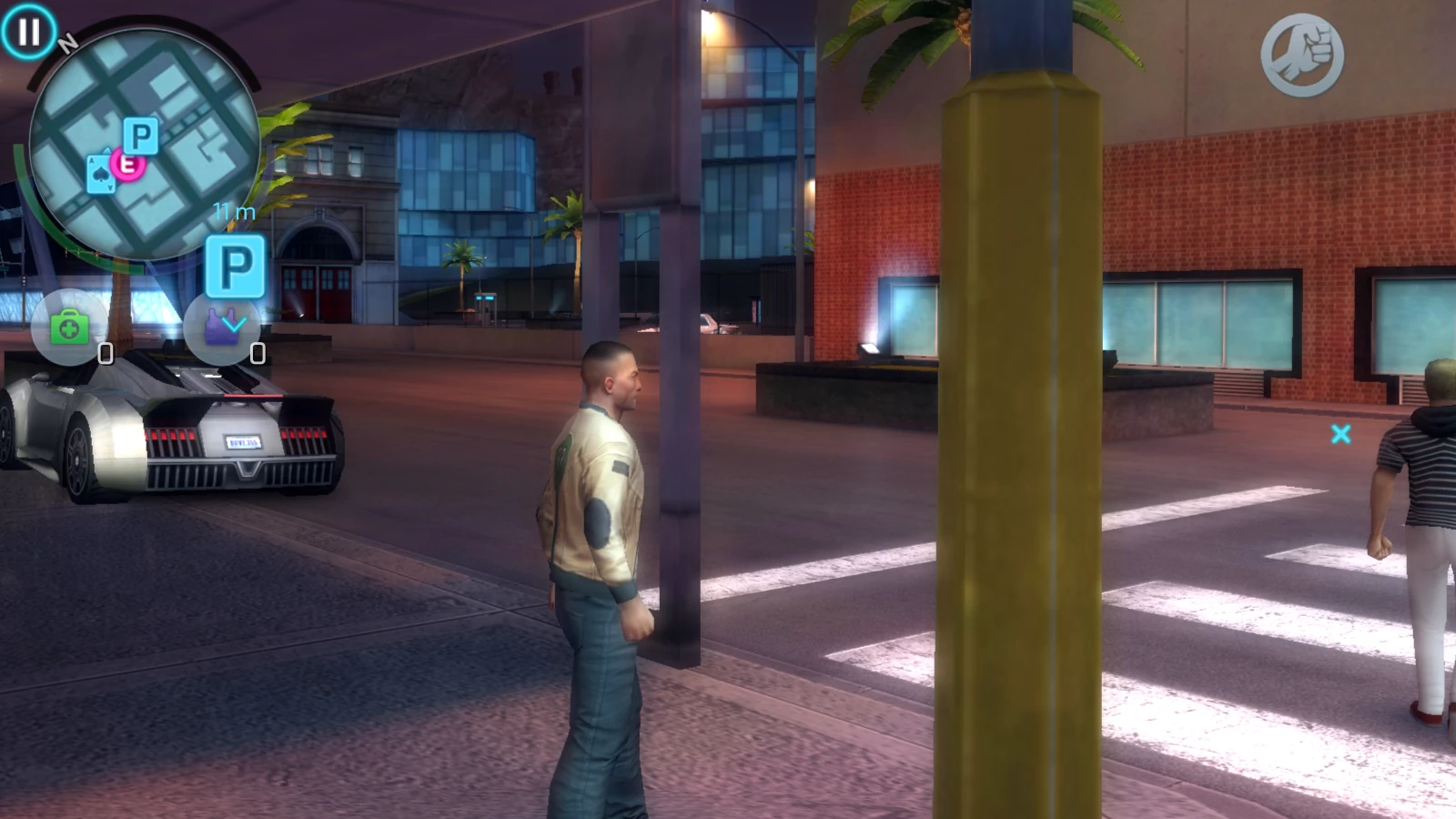
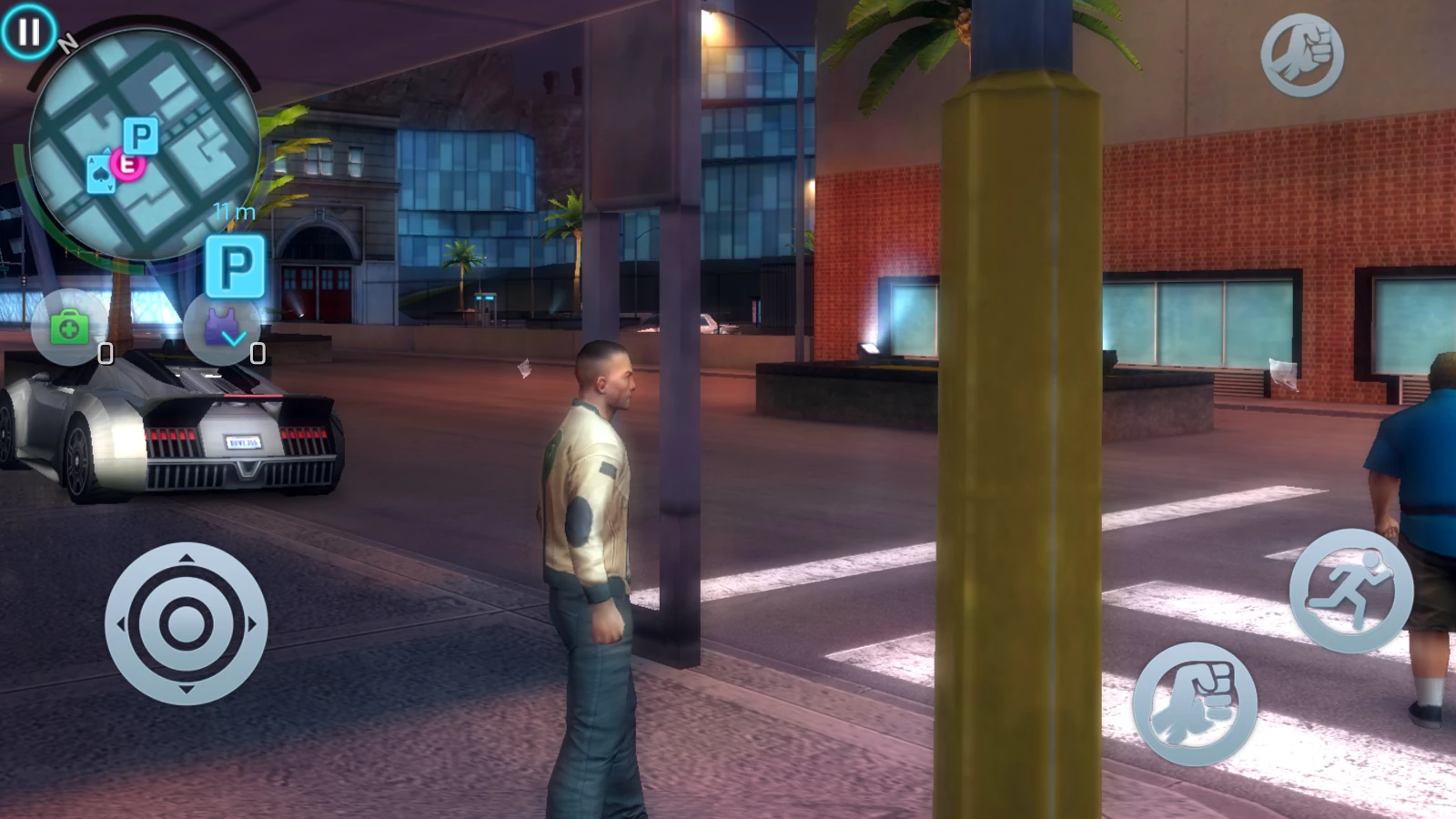
The game's logic stays as Gameloft wrote it, so every upgrade is a hook: find a function the game already calls, run a few lines of our code in front of it, adjust one value, and hand control back.
Hooks turned the triggers on my GameSir Cyclone 2 into analog gas and brake pedals, calmed the steering at high speed, and made the controller rumble differently on grass and on the road. Getting the feel right took rounds of playing and adjusting. My first vibration felt like a grinder, the brakes felt soft and the camera stick spun too fast, and a few rounds later my feedback was "finally works. works too well."
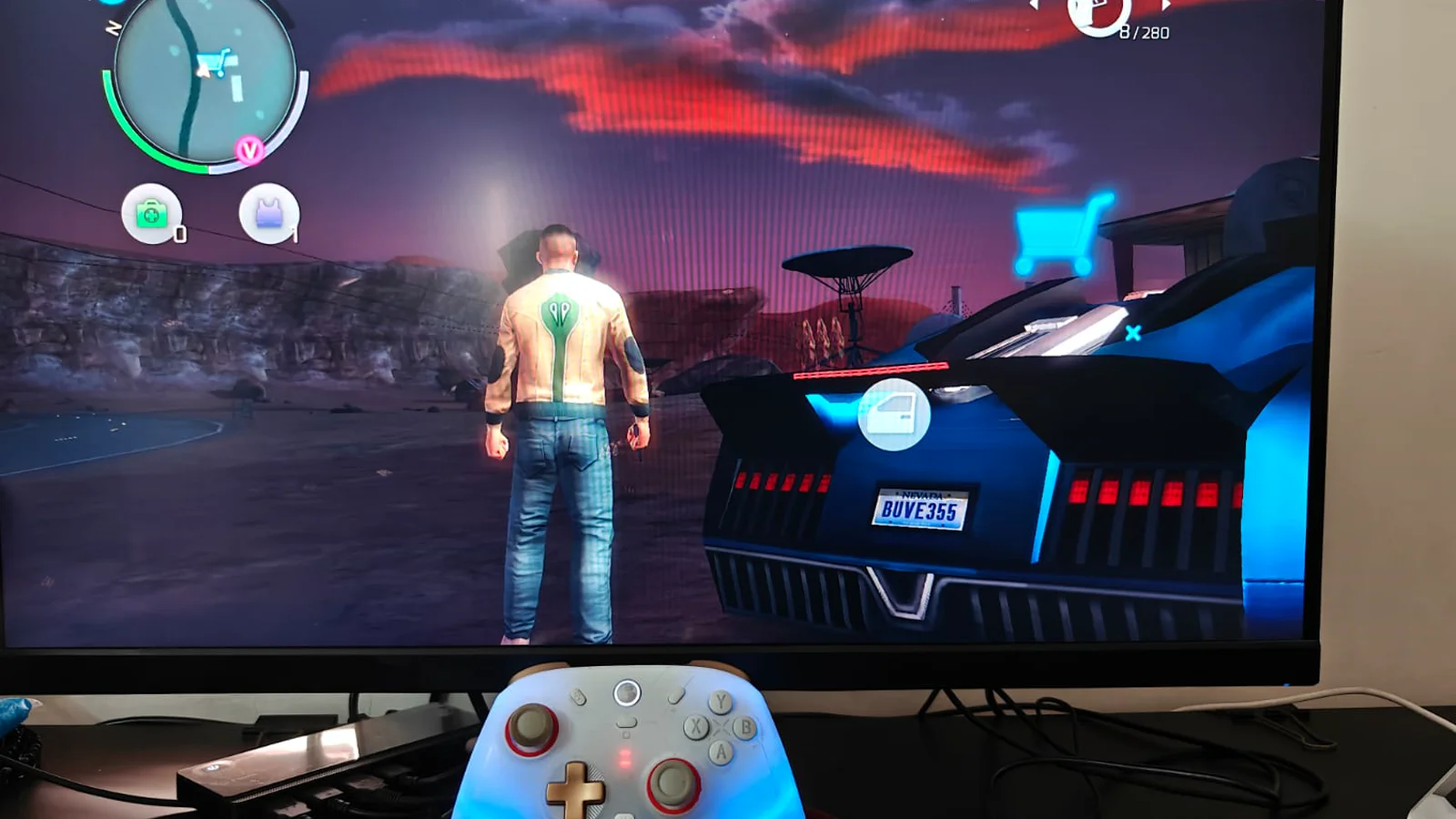
The game also renders at twice my screen's resolution and scales down, which smooths out the jagged edges the phone version had.


Speed came from profiling. Quieter parts of the city ran at 144, but the busiest streets sat around 60. The profiler showed the translated code working out the CPU's condition flags after almost every comparison, even though the game reads only a few of them. Letting the compiler drop the unread ones shrank the program from 63 MB to 49 MB and lifted those streets to about 100 fps, with every graphics setting left where it was.
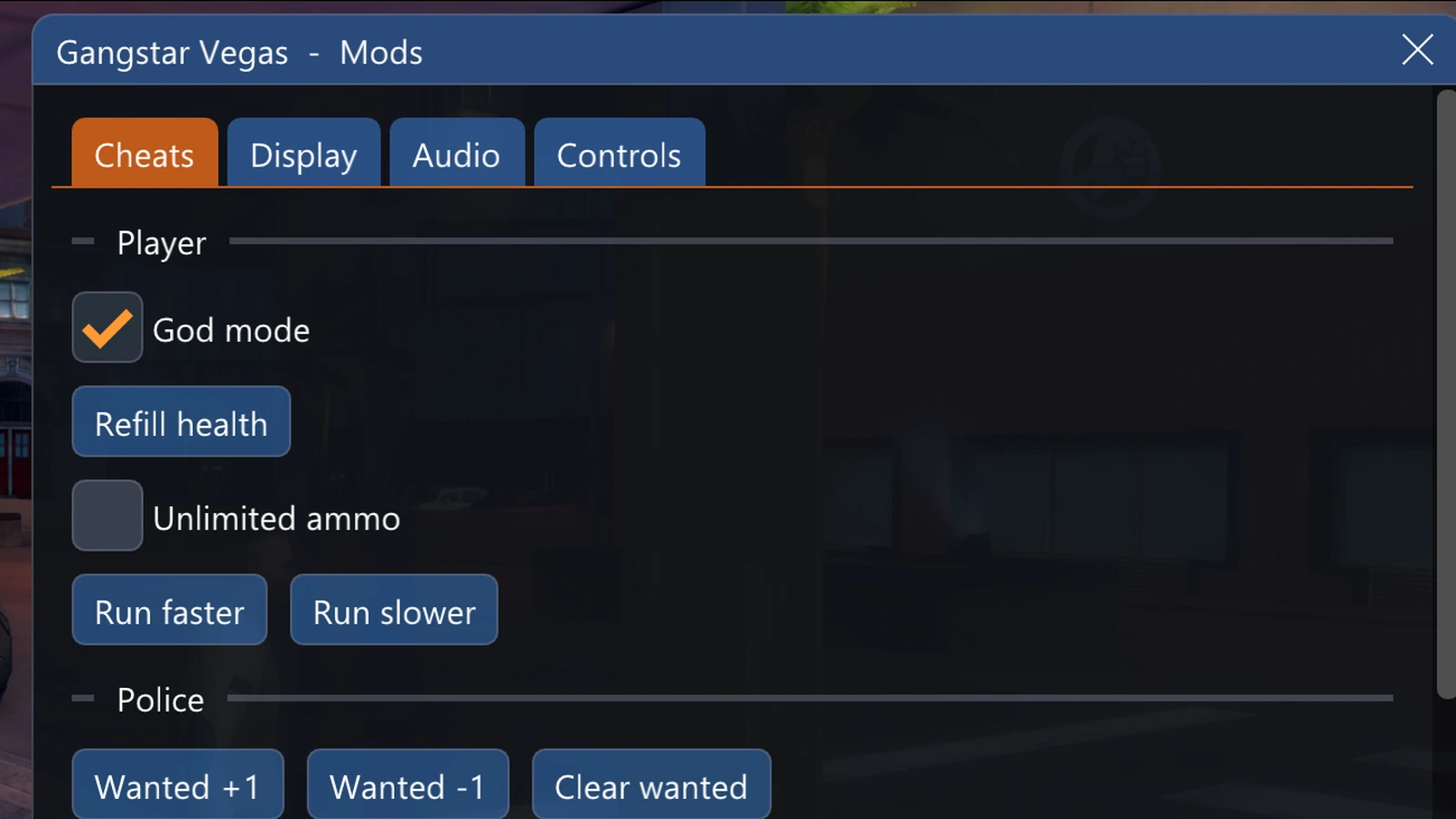
Gameloft also left their developer cheats in the game, so F1 now opens a menu for god mode, the wanted level and the time of day. When separate volume controls for the car and the radio started working, I typed "wowowowo it works… I am still feeling unreal."
Haven't I been here before?
When Gemini CLI kept forgetting my model, I fixed it. When Warp froze my GIF background, I fixed that too. This time it was a game from my childhood, and the fix was a lot bigger.
I've been a nerd my whole life, and I finally built the thing I kept searching for as a kid. I think AI can do that for a lot of people. If there's something you've always wanted to build, go for it.
An independent project, unaffiliated with Gameloft. This post includes my own screenshots, recordings, photos and descriptions only.
Resources
- The Gemini CLI one: Gemini CLI Kept Forgetting My Model. So I Fixed It!
- The Warp one: Getting GIF Backgrounds to Play in Warp